EnglishEN
Studio
AI video generator

AI video generation that starts from strong frames.

Describe a shot or animate a reference image into a short cinematic clip, with clear control over format, duration, and generation cost.
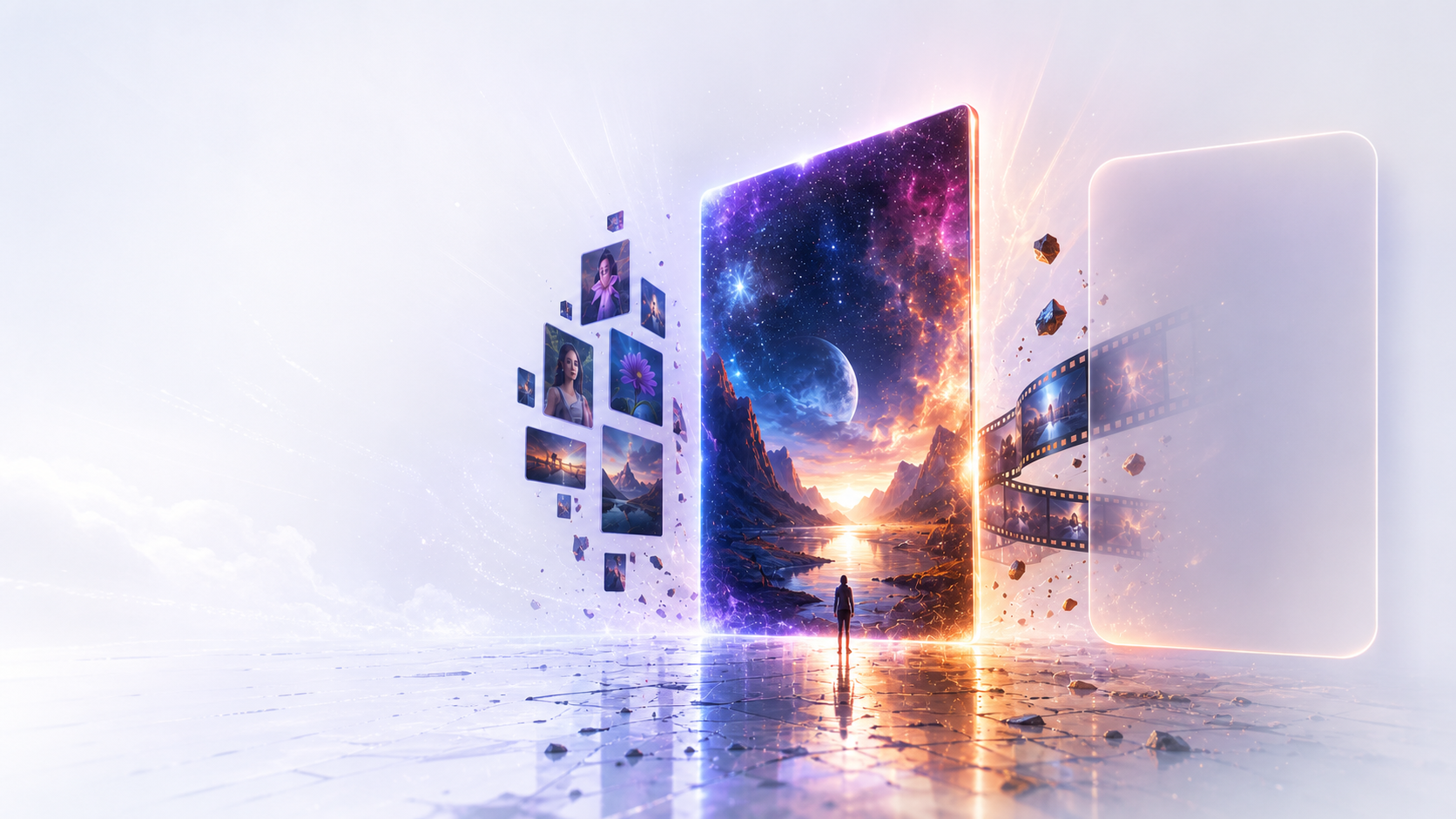
Prompt or reference image5–10 second clipsLandscape, portrait, or square
AI video generation that starts from strong frames.
AI video generator
Prompt or reference image
AI video generator
5–10 second clips
AI video generator
Landscape, portrait, or square

Bring a strong frame to life

  • Describe the scene, subject movement, and camera motion
  • Animate an existing image while preserving its visual direction
  • Choose a ratio and clip length for the final destination

A video workflow you can leave and return to

  • Follow clear queue, generation, and saving states
  • Leave the page while longer generations continue
  • Find finished clips in History and download the result
FAQ

Start with a shot idea or reference image.

Choose a model, format, and duration; you can leave while the clip is being generated.

How long does video generation take?

Video generation usually takes a few minutes. You can leave the page while it runs; the finished clip will be saved to History.

Can I turn my own image into a video?

Yes. Upload a reference image, describe the motion you want, then choose a model, aspect ratio, and duration.

Trial credits included

Create your first video in Studio.